How to Turn Long Videos into Shorts (Step-by-Step)
Turn one long video into captioned vertical shorts for YouTube Shorts, TikTok and Reels: how to pick, frame and caption each clip, step by step.
Read the guidePractical guides to cutting shorts, writing captions, framing for phones and posting on a plan.
Turn one long video into captioned vertical shorts for YouTube Shorts, TikTok and Reels: how to pick, frame and caption each clip, step by step.
Read the guideTurn podcast episodes into vertical clips with captions: find the best moments, frame two speakers and post clips that bring listeners back.
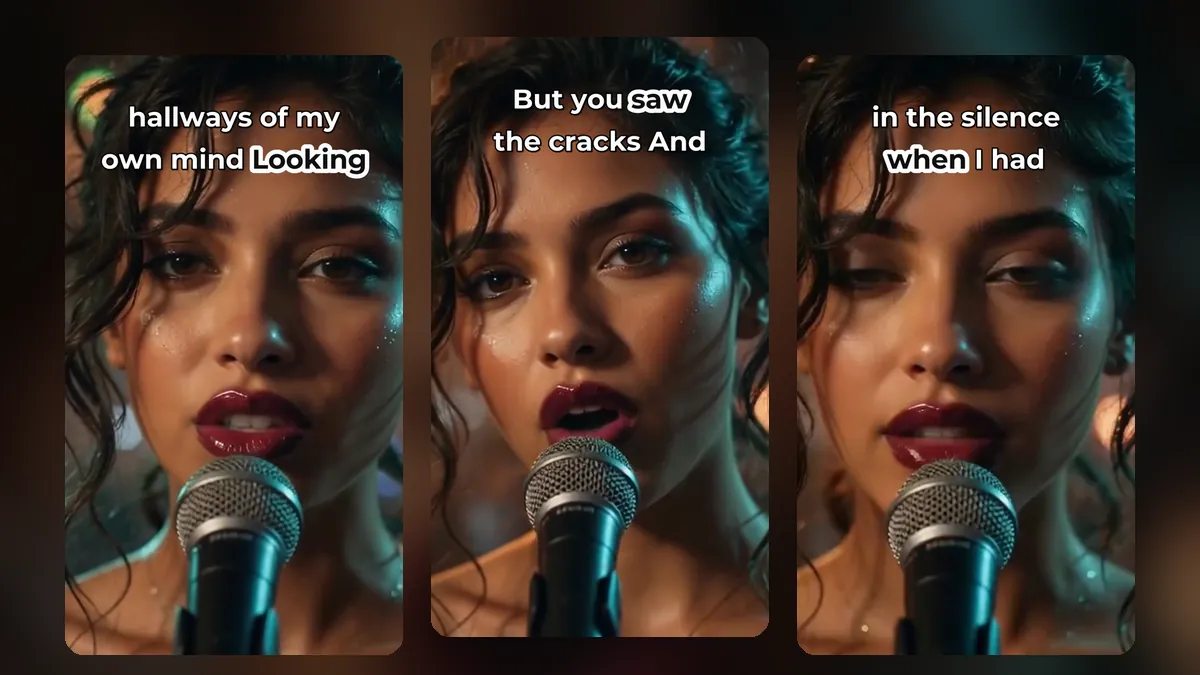
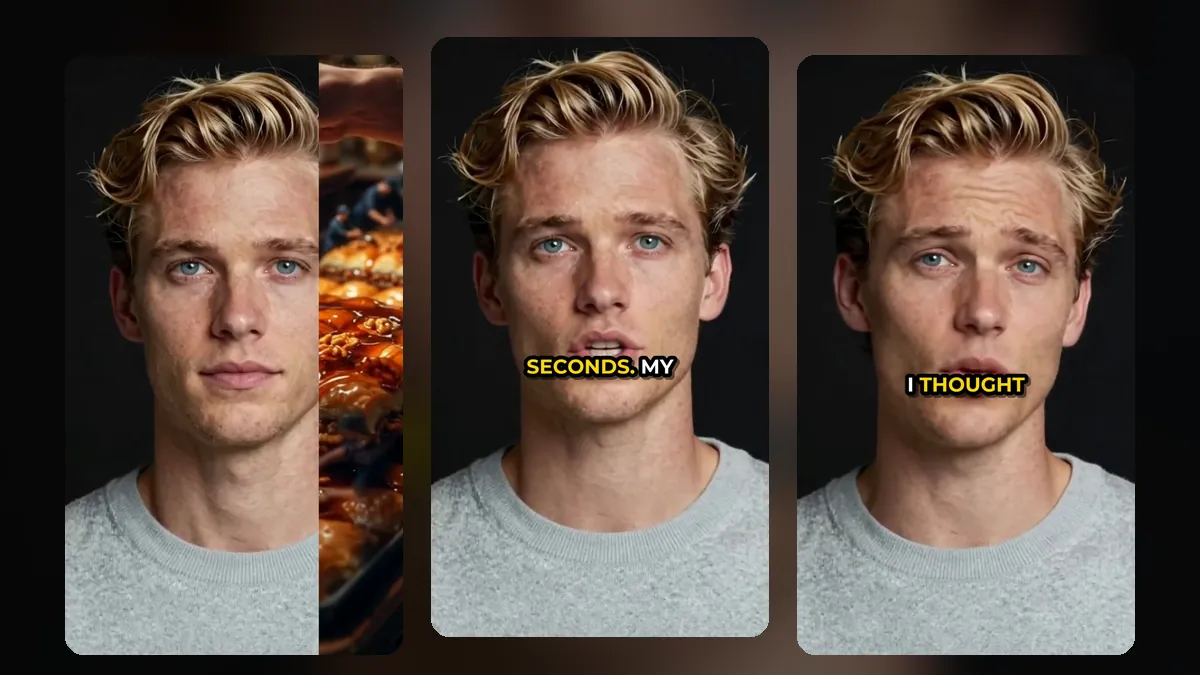
How to choose caption styles for YouTube Shorts, TikTok and Reels: size, font, colour, position and animation, with examples for each kind of video.
What is the best length for YouTube Shorts, TikTok and Instagram Reels? Platform limits, the lengths that keep viewers watching, and how to trim clips to fit.
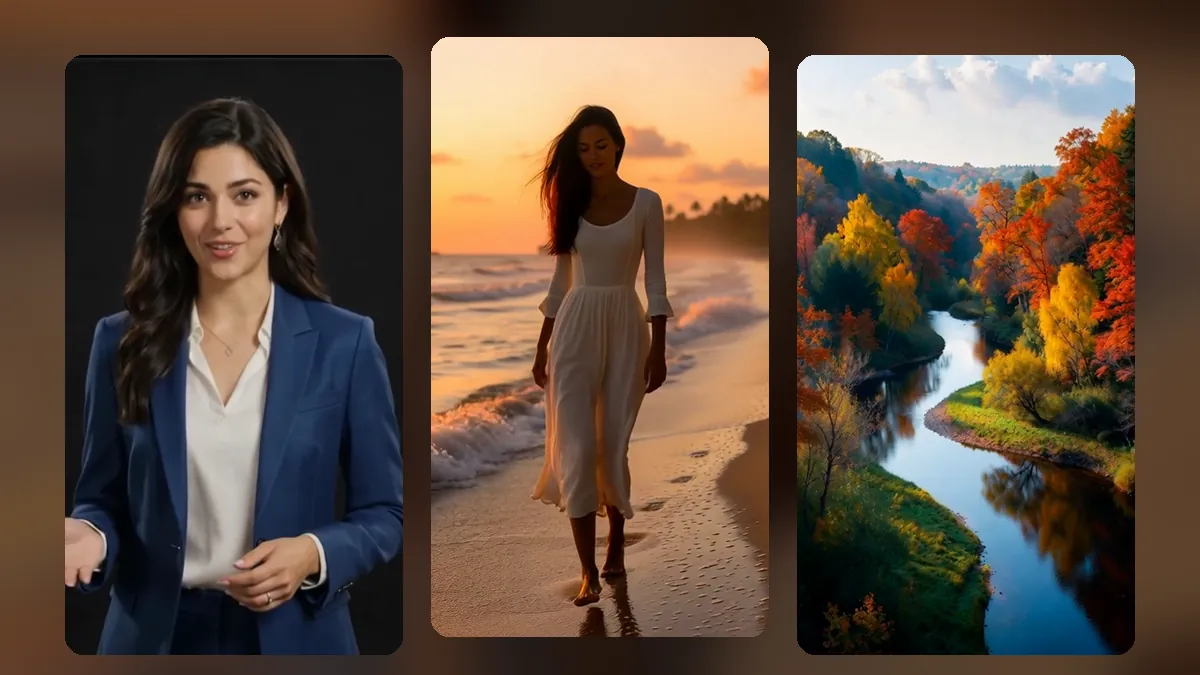
Reframe 16:9 video into 9:16 shorts without cutting off faces. Speaker tracking, director mode, move and zoom, and blurred full-frame fill compared.
How to find the best moments in a long video for shorts: what to look for in the words, the picture and the sound, and how AI clip suggestions help.
A shorts posting schedule you can keep: how often to post, how to space clips from one long video, and how to plan your week with a content calendar.
Translate the captions on your shorts to reach viewers in other languages: when it helps, which languages to start with and how to check the result.
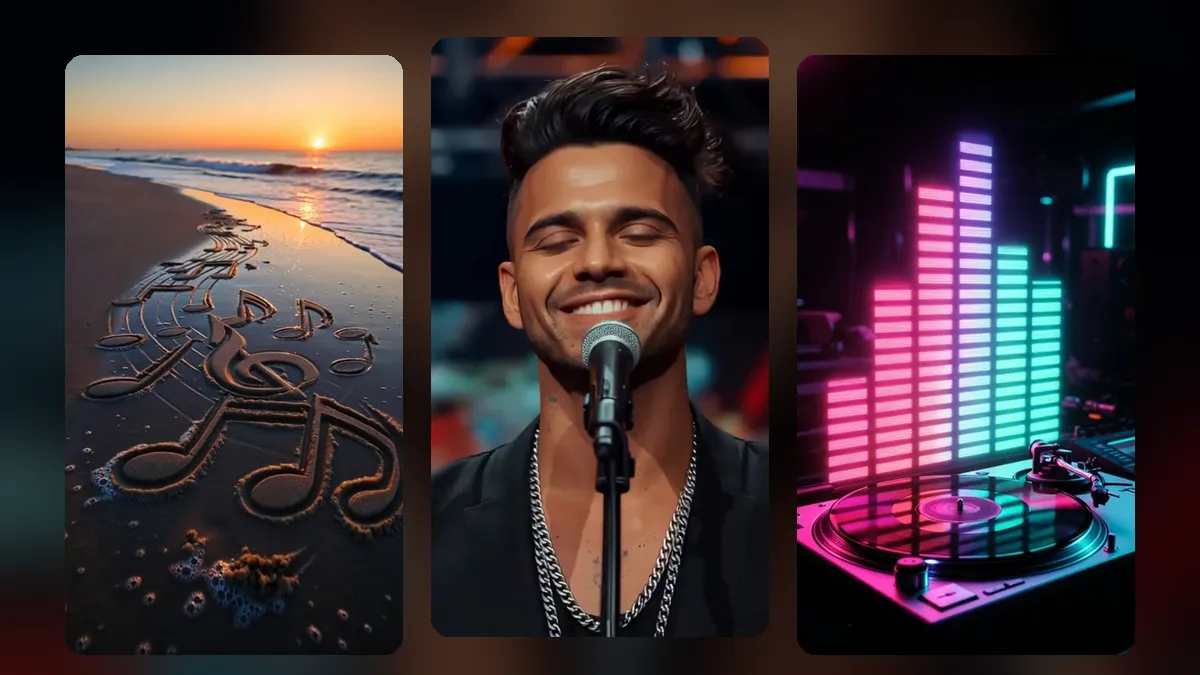
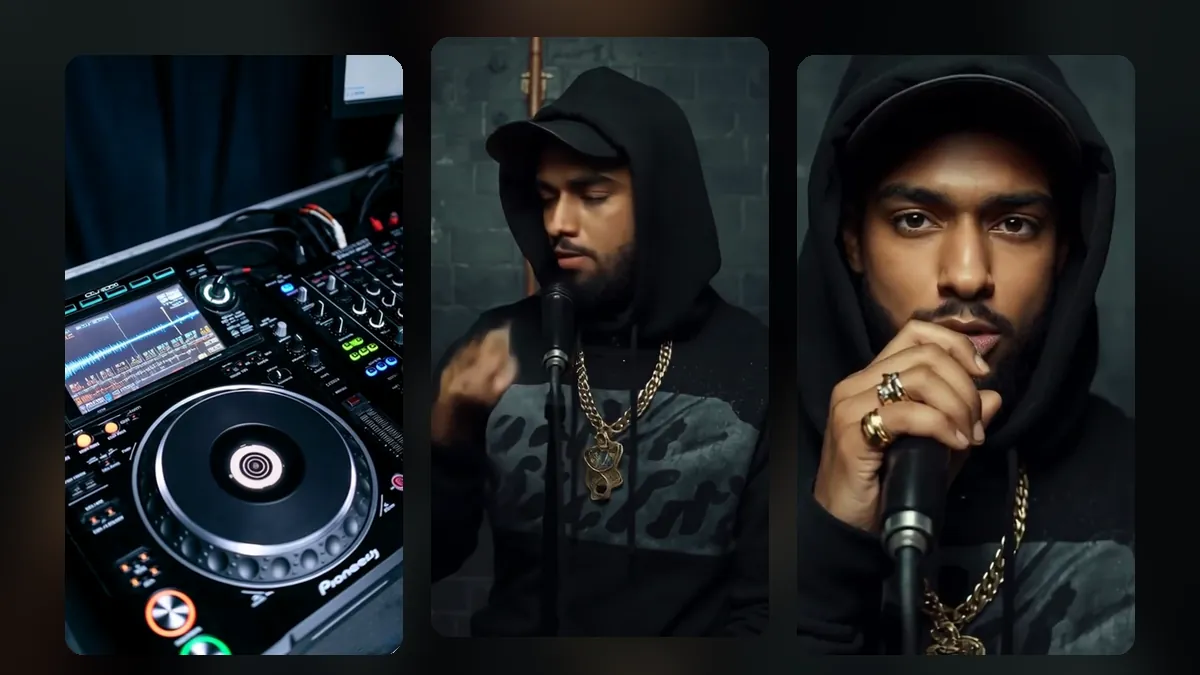
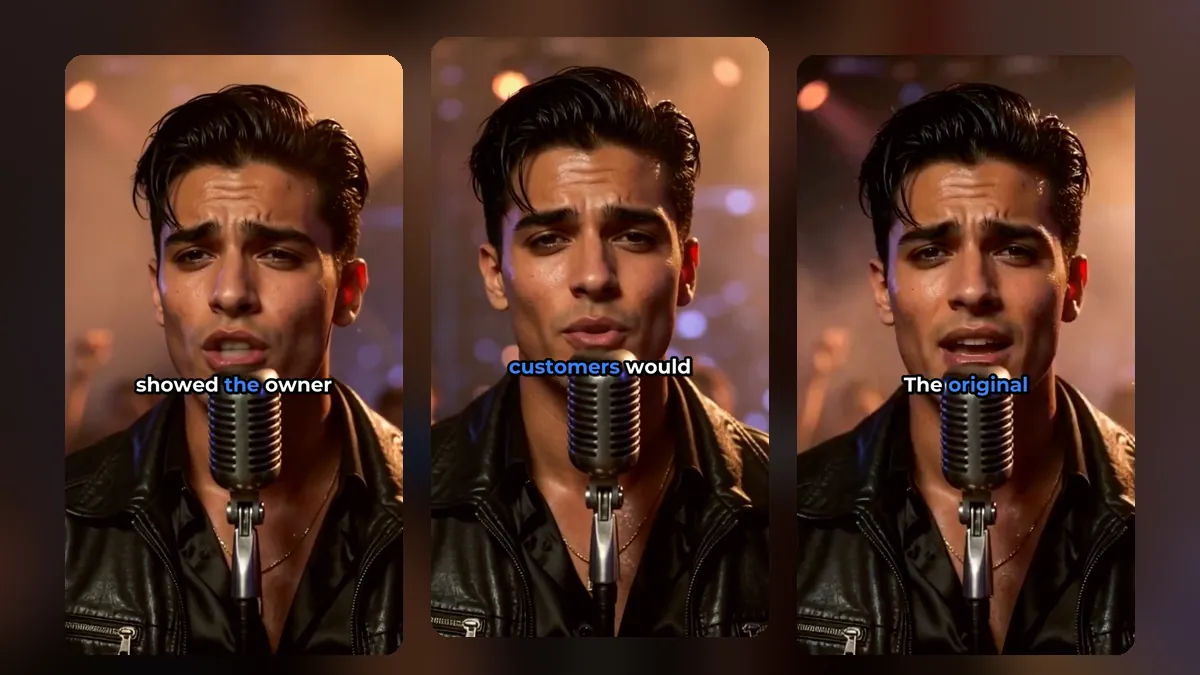
Turn a music video into shorts for TikTok, Reels and YouTube Shorts: pick the hook, frame the singer, add lyric captions and effects on the beat.
Make shorts from large video files of several GB without a long upload. How browser processing works, what you need and tips for long recordings.