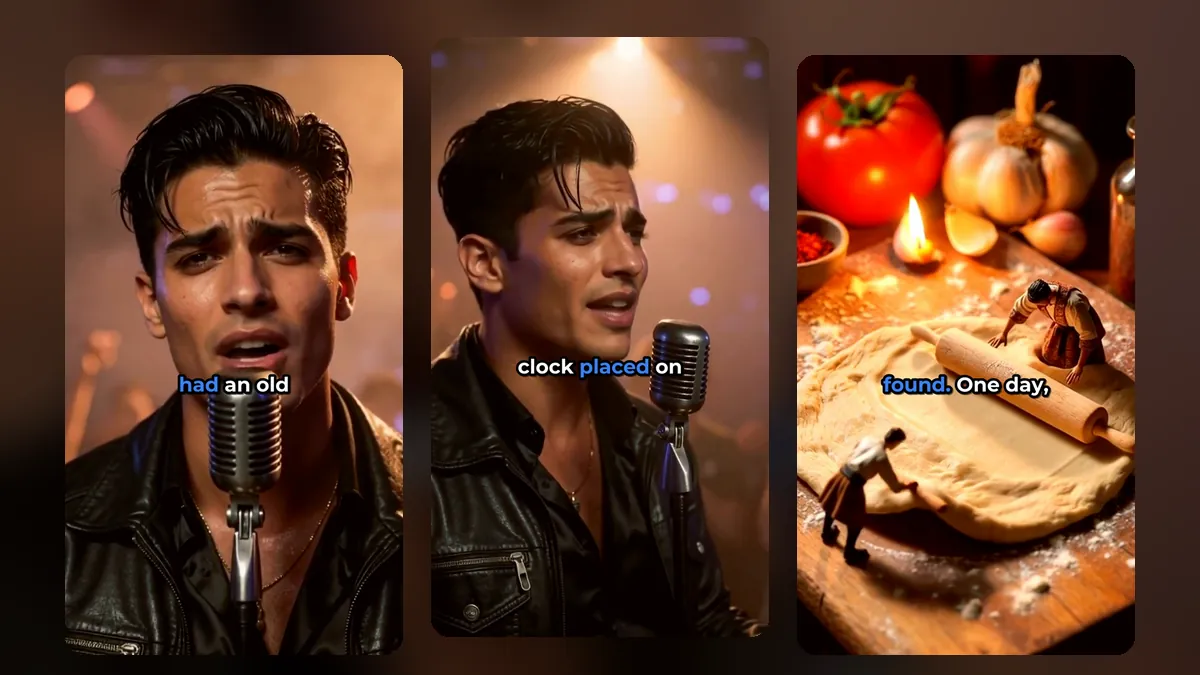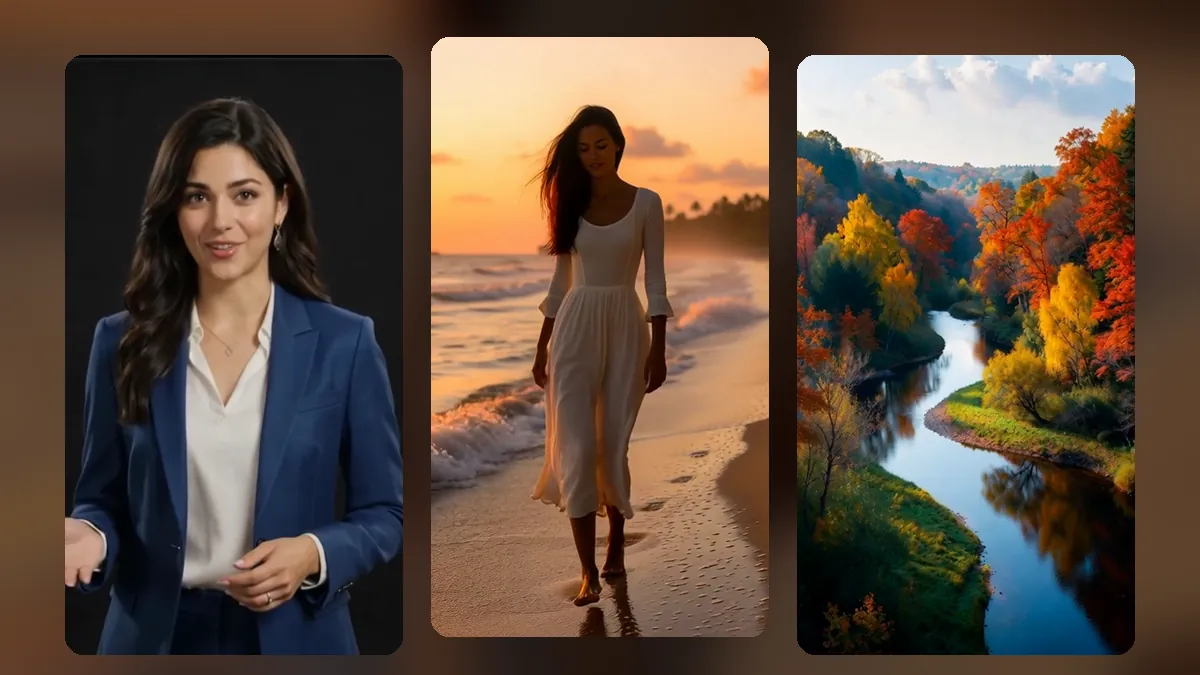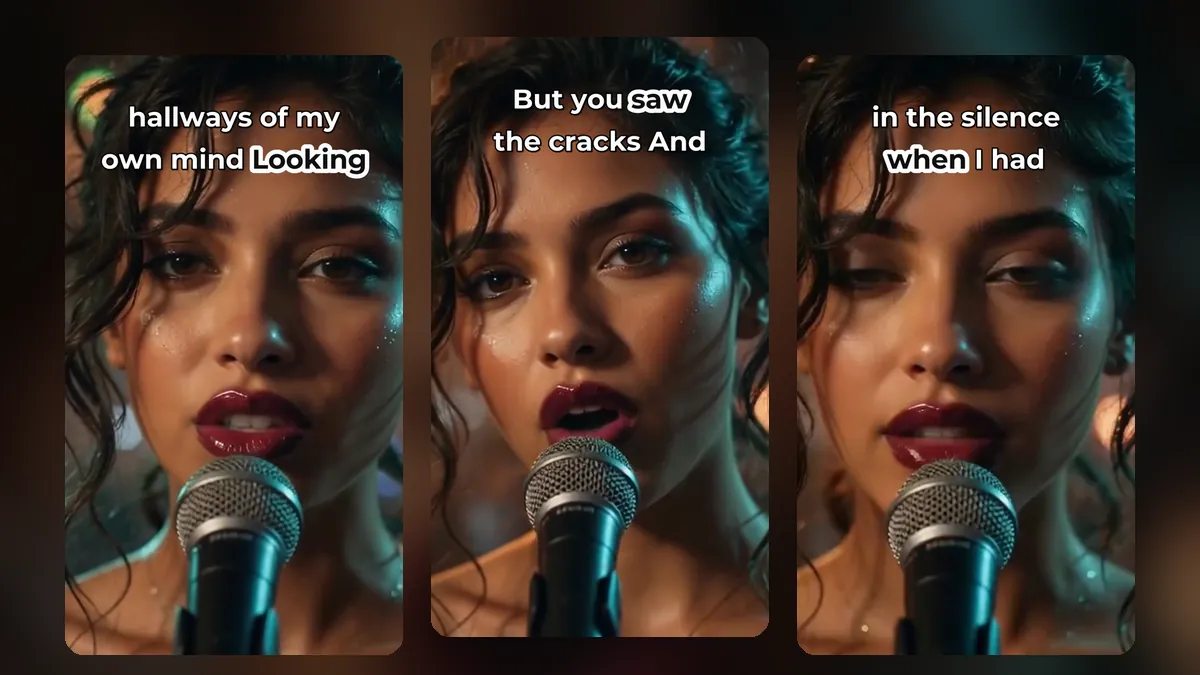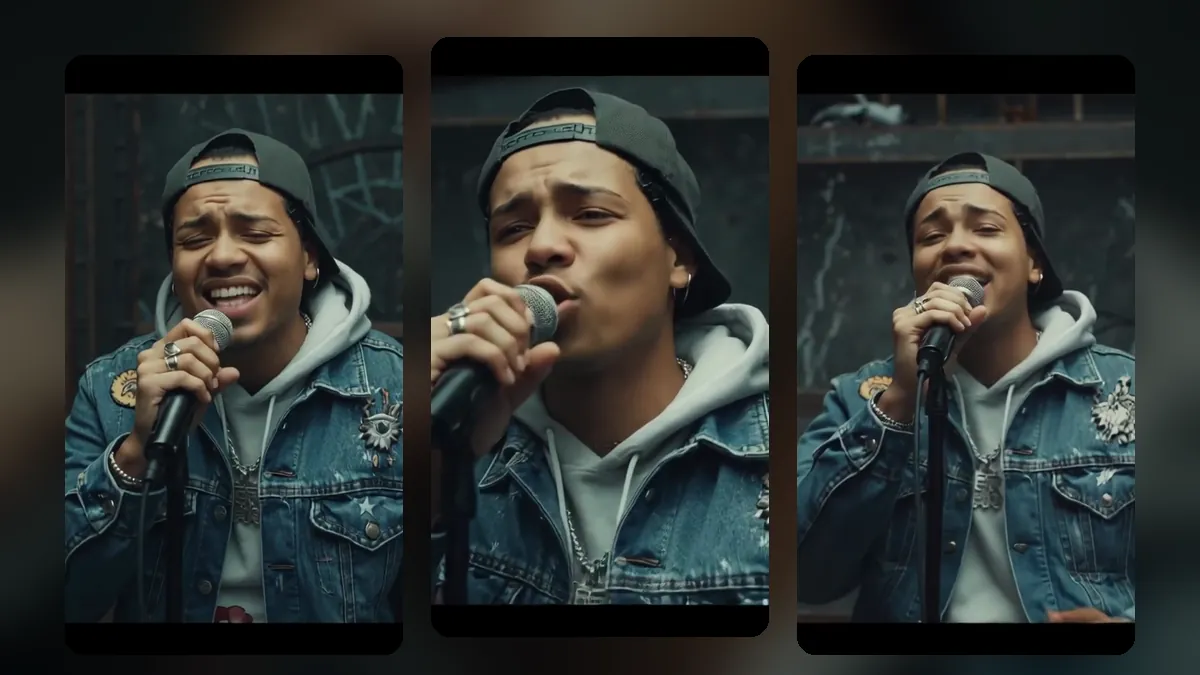
Today a song is often discovered through a 15-second clip before anyone hears the full track. If you have a music video, every chorus, drop and memorable line in it can become a short. This guide shows how to turn a music video into shorts for TikTok, Reels and YouTube Shorts.
Step 1: Start with a music video
If you already have one, skip to step 2. If you do not, you no longer need a film crew. MusicClip.ai turns your song into a full music video: you upload the track, pick an AI singer (a man, a woman or a duet) or go instrumental, choose a mood, and it builds a lip-synced, scene-by-scene video. You can render it horizontal for YouTube or vertical from the start.
Step 2: Pick the moments that sell the song
For music, the best shorts are usually:
- The hook or chorus. The part people will hum later.
- The drop. For electronic and dance music, the moment the beat comes in.
- A striking lyric. One line that tells the story of the song.
- A visual peak. The most beautiful or surprising shot in the video.
Keep music shorts between 15 and 30 seconds in most cases. See the best length for shorts.
Step 3: Cut the clips
Upload the music video to VideoShort.ai. Because songs have fewer spoken sentences than talks, choosing "I'll cut it myself" often works best: click on the timeline to hear any point, mark the start and end with "Start here" and "End here", and split the video into as many clips as you like.
A clip from a music video made with MusicClip.ai. Press play to hear it.
Step 4: Keep the singer in frame
A horizontal music video needs a vertical crop. VideoShort's Auto framing follows the singer: it uses the timing of the sung words and mouth movement to stay on whoever is singing. Director mode adds close-ups and short cuts. For wide scenery shots, Whole picture keeps everything in view with a blurred fill. More on this in how to reframe a horizontal video to vertical.
Step 5: Lyric captions
Lyrics on screen help people sing along and remember the song. Fun styles such as glow, neon or word-by-word work well for music. Choose a font that matches the genre: a hand-drawn marker for acoustic songs, a heavy condensed font for rap, a playful font for pop. See caption styles for shorts.
For songs without vocals, turn captions off.
Step 6: Add effects that hit on the beat
VideoShort finds the beats in your song and can time effects to them: a zoom punch, a jump, a shake or a tilt on the beat. One-click looks such as Drop Rush, Golden Movie, Retro Tape and Memory Reel set several effects and the colour at once. You can also add weather effects such as snow, rain, hearts or petals. If your audience is sensitive to flashing, turn on "Reduce flashing".
Step 7: Post through the whole release
Do not post all clips on release day. A simple plan:
- Before release: two or three teasers from the strongest moments.
- Release day: the full video plus the chorus clip.
- Weeks after: a new clip every few days: second verse, bridge, best shot, lyric line.
MusicClip's single release plan shows a full timeline. You can plan every post in the VideoShort calendar; see our shorts posting schedule.
Frequently asked questions
Can I use someone else's song?
Only if you have the rights. Use your own music, or music you are licensed to use.
Do I need separate clips for TikTok, Reels and Shorts?
No. One vertical clip works on all three. Change the description and hashtags for each.
Will the beat effects work on my song?
The beats are detected from your song's audio, so the effects land on your song's rhythm.
Turn your song into a week of clips
Make the video at MusicClip.ai, then create a VideoShort account and cut it into shorts.