A podcast episode is an hour of conversation, and most of it is never heard by new people. Short clips change that. A 40-second moment from your episode can reach thousands of people who would never press play on a full hour. This guide shows how to turn a podcast into short clips that people actually watch, and how to do it without editing every clip by hand.
What makes a good podcast clip
Not every interesting minute works as a short. The clips that travel best usually have one of these:
- A strong opinion said in one or two sentences.
- A surprising fact or number with a short explanation.
- A story with an ending, even a small one.
- A laugh or a clear reaction from the other person.
- A practical tip someone can use today.
A clip should also start on a full sentence. If the first words are "and so that's why…", a new viewer is lost before the point arrives.
Step 1: Record with clips in mind
Small habits during recording save time later:
- Keep both faces visible in the video if you record video.
- Repeat the question before you answer it, so the clip has its own context.
- Say the key line clearly once, in a complete sentence.
Step 2: Let the transcript find the moments
Listening to a full episode again to find clips takes as long as the episode. VideoShort.ai writes down every spoken word, then looks at sentence boundaries, pauses, changes in the picture and the energy of the voices. It suggests clips that begin and end on whole sentences, each with a title, so you can read through the suggestions in a few minutes instead of listening to the hour again.
You decide which clips to keep. If you remember a moment the suggestions missed, choose "I'll cut it myself" and mark it on the timeline.
Step 3: Frame two people in a vertical video
Most video podcasts are filmed wide, with two people side by side. A vertical clip has room for one face at a time. You have a few options:
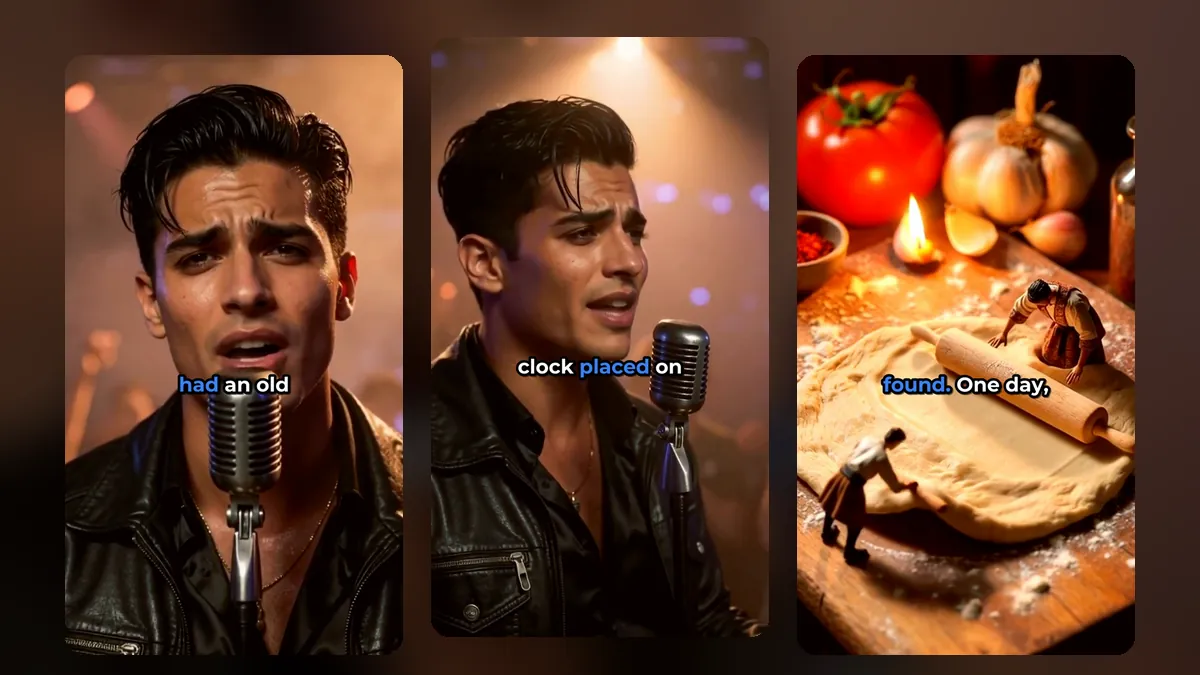
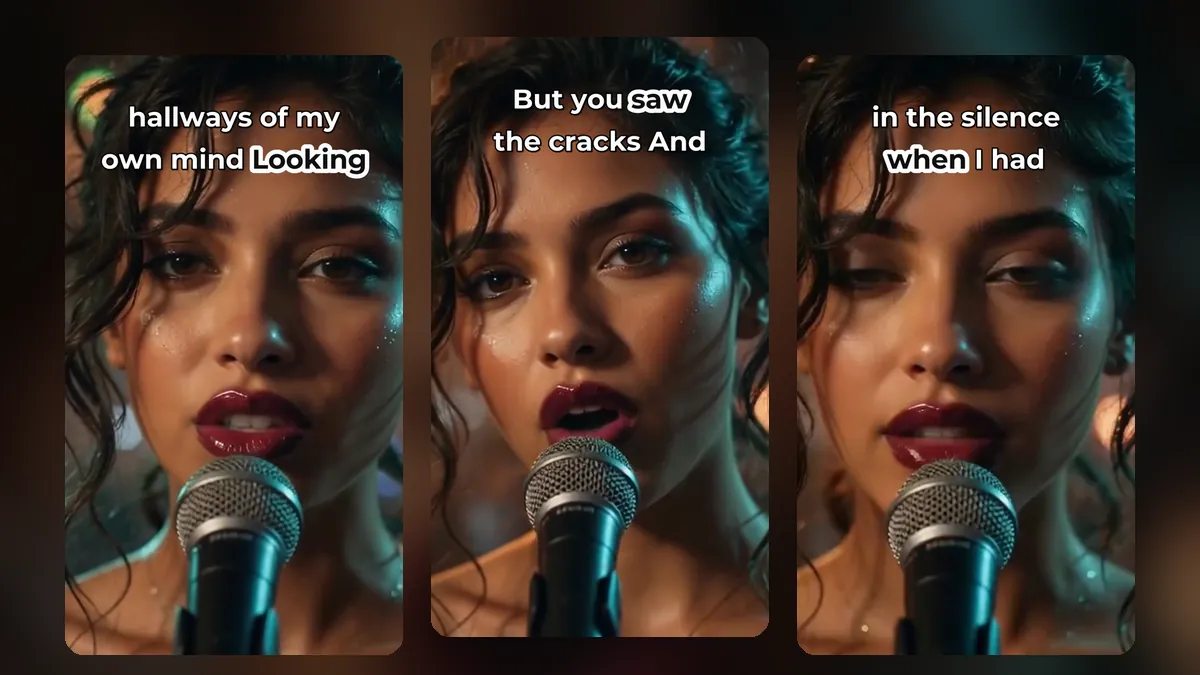
A clip from a music video made with MusicClip.ai. Press play to hear it.
- Auto framing follows whoever is speaking, so the picture moves to the person talking.
- Director mode also adds close-ups and short cuts, the way a live studio edit does.
- Whole picture keeps both people in view, with a blurred copy of the video filling the top and bottom.
We compare these in how to reframe a horizontal video to vertical.
Step 4: Captions are not optional for podcasts
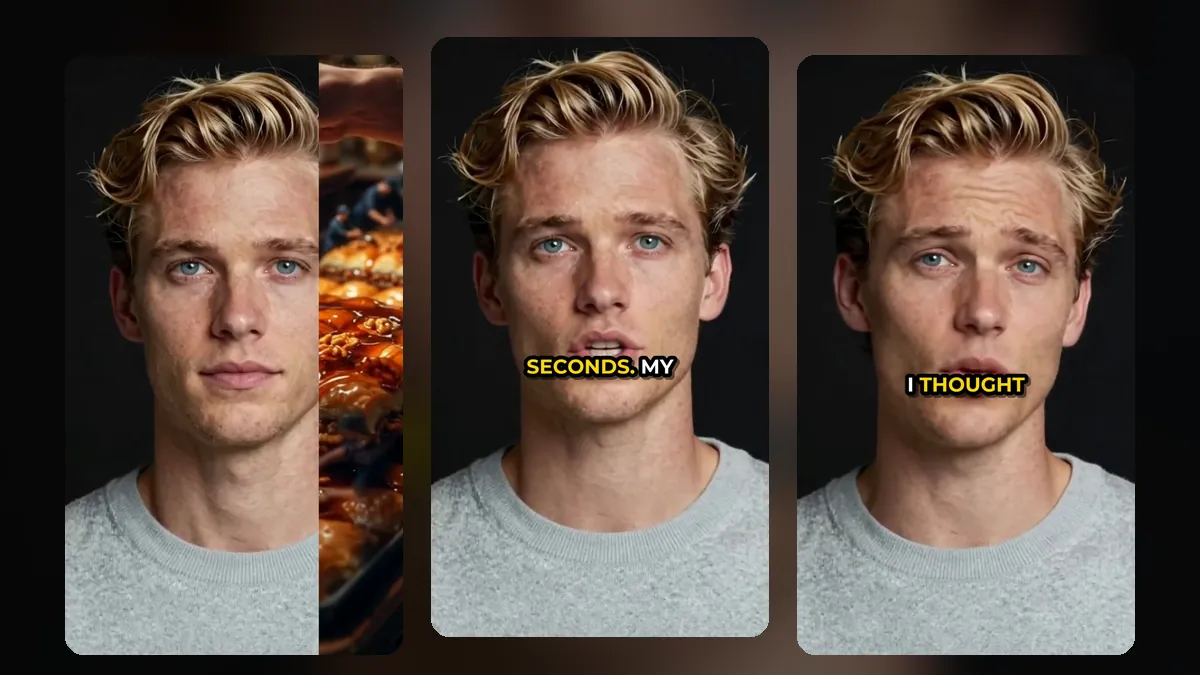
A podcast clip is mostly talking, and many viewers scroll with the sound off. Captions let them follow the conversation. Choose a clean style for interviews (for example a soft band or a black bar) and a louder style for hot takes. You can colour the spoken word, change the font and move the captions away from the faces. See caption styles for shorts.
If your podcast has listeners in other countries, you can also translate the captions into Spanish, German, French, Portuguese, Italian or Russian. Here is how to translate video captions.
Step 5: Give every clip a reason to visit the full episode
End your caption or description with where to find the full conversation: the episode number, the show name, or "full episode on our channel". The clip is the trailer; the episode is the product.
How many clips per episode?
A one-hour conversation often gives eight to fifteen usable clips. You do not need to post them all at once. Post two to four a week and save the rest; our shorts posting schedule explains a simple rhythm.
Clip length for podcasts
Podcast clips usually need a little more time than other shorts, because the idea needs a setup. 30 to 60 seconds is a good range for most of them. We go through each platform in the best length for YouTube Shorts, TikTok and Reels.
Have a music podcast or a theme song?
If your show has its own song or you talk about new music, you can turn a track into a full music video with MusicClip.ai's AI music video generator, then cut it into shorts in VideoShort.
Frequently asked questions
Can I make clips from an audio-only podcast?
VideoShort works with video files. For an audio-only show, first make a video version, for example a simple still image with the audio, then cut it into clips.
Will the captions be correct?
The speech is transcribed automatically, and most words are right. You can open the word list and fix names, brands or any word that was heard wrong before you export.
Can I keep my logo on every clip?
Yes. Add your logo once and place it where you want on the video.
Turn your next episode into a week of clips
Sign up for VideoShort, upload your latest episode, and pick the clips you like best.