Finding clips is the slowest part of making shorts. You know there are good moments in your two-hour stream or one-hour lesson, but finding them means watching it all again. Here is a practical method to find the best moments in a long video, and how to let software do the first pass.
What a "best moment" really is
A best moment is not just the loudest part. It is a section that:
- Makes sense alone. A stranger understands it with no context.
- Has one clear point. A tip, a punchline, an opinion, a reveal.
- Has a clean start and end. It begins on a full sentence and stops after the point.
- Has energy. A change in voice, a laugh, a reaction, a visual change.
Three signals that point to good moments
1. The words
The transcript is the fastest map of your video. Read it and look for:
- Questions followed by short, direct answers.
- Lines that start with "the biggest mistake", "here's the thing", "nobody tells you".
- Numbers, lists and steps.
- Short stories with a clear ending.
2. The sound
Changes in the audio often mark moments worth clipping: laughter, a raised voice, a sudden pause before a punchline, music coming in.
3. The picture
Scene changes, a new slide, a person standing up, a product being held to the camera. Visual change keeps viewers watching.
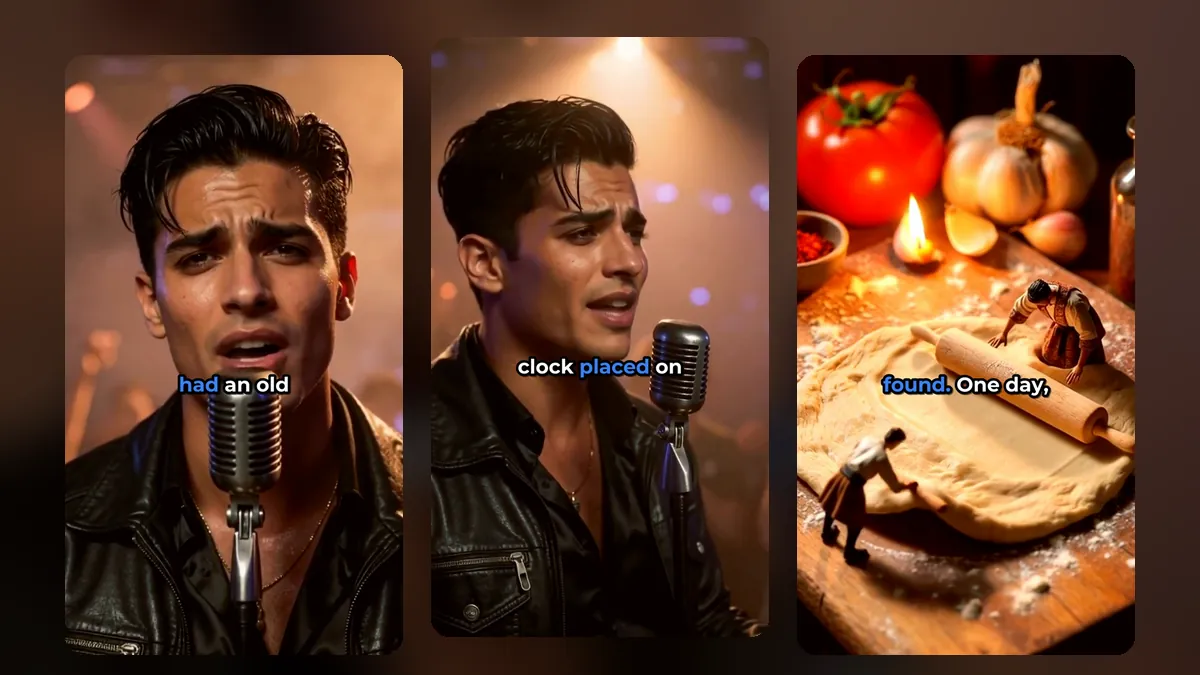
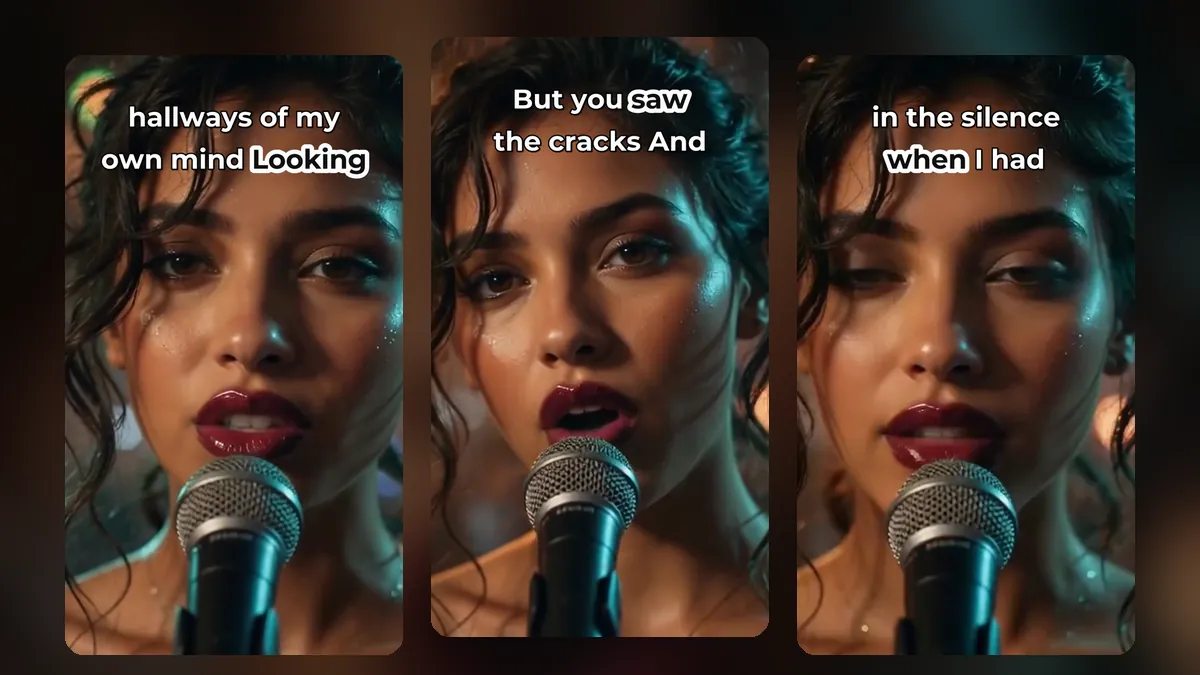
A clip from a music video made with MusicClip.ai. Press play to hear it.
How VideoShort suggests clips
When you choose "Let AI find the clips", VideoShort.ai does the first pass using exactly these signals:
- It transcribes every spoken word with timing.
- It detects real scene changes in the picture.
- It measures the energy of the sound.
- It makes each suggestion start and end on a complete sentence.
You then see a list of suggested clips with titles, play each one, and keep only the ones you like. We are straightforward about what this is: a fast, rule-based first pass, not a replacement for your judgement. You know your audience; the suggestions save you the hours of scrubbing.
Refine each clip
A suggestion is a starting point. On the clip timeline you can:
- Pull the edges to make the clip shorter or longer.
- Click anywhere to play from that point with sound.
- Split one clip into two separate clips.
- Undo any change.
Aim for the tightest version that still makes sense. Our guide to the best length for shorts helps you choose.
When to cut by hand instead
Choose "I'll cut it myself" when:
- You remember the exact moment you want.
- The best part is mostly visual with little speech (a trick, a goal, a dance).
- The video is music without clear lyrics.
Build a "clip bank"
You will not post every good moment right away. Keep the extras. A bank of ready clips means you never have an empty week. A simple posting schedule turns that bank into steady posts.
For music: the best moment is usually the hook
In a song, the best moment is almost always the chorus or the drop. If you are a musician without a video yet, MusicClip.ai can turn your song into a music video, and the strongest 20 seconds of it become your first short. Read how to cut a music video into shorts.
Frequently asked questions
Does the AI watch the whole video?
It listens to all the speech, checks the whole picture for scene changes and measures the sound. Then it suggests clips. You make the final choice.
Why do suggested clips start on whole sentences?
Because clips that start in the middle of a thought lose viewers in the first second.
What if I disagree with the suggestions?
Skip them and mark your own clips on the timeline, or change their start and end.
Find the moments in your next video
Sign up for VideoShort, upload a long video and read through the suggested clips in minutes.