"How long should my short be?" is one of the most common questions from new creators. The honest answer: as long as the idea needs, and not one second longer. But each platform has limits, and some lengths work better than others. Here is a practical guide to the best length for YouTube Shorts, TikTok and Reels.
Platform limits at a glance
Platforms change their limits often, so always check the current rules in each app. At the time of writing:
- YouTube Shorts: vertical or square videos up to 3 minutes.
- TikTok: much longer uploads are allowed, but the feed is built around short videos.
- Instagram Reels: up to 3 minutes when recorded or uploaded as a Reel.
The limit is the maximum, not the target. Most clips that perform well are far shorter.
The length that keeps people watching
What matters is how much of the clip people watch. A 20-second clip watched to the end, or watched twice, usually does better than a 90-second clip that people leave halfway through.
A useful rule of thumb:
- 10–20 seconds: one joke, one reaction, one striking line or one music moment.
- 20–45 seconds: one tip, one opinion with a short reason, one small story.
- 45–90 seconds: a full explanation, a story with setup and payoff, an interview answer.
- Over 90 seconds: only when every part adds something. These work for strong storytellers and tutorials.
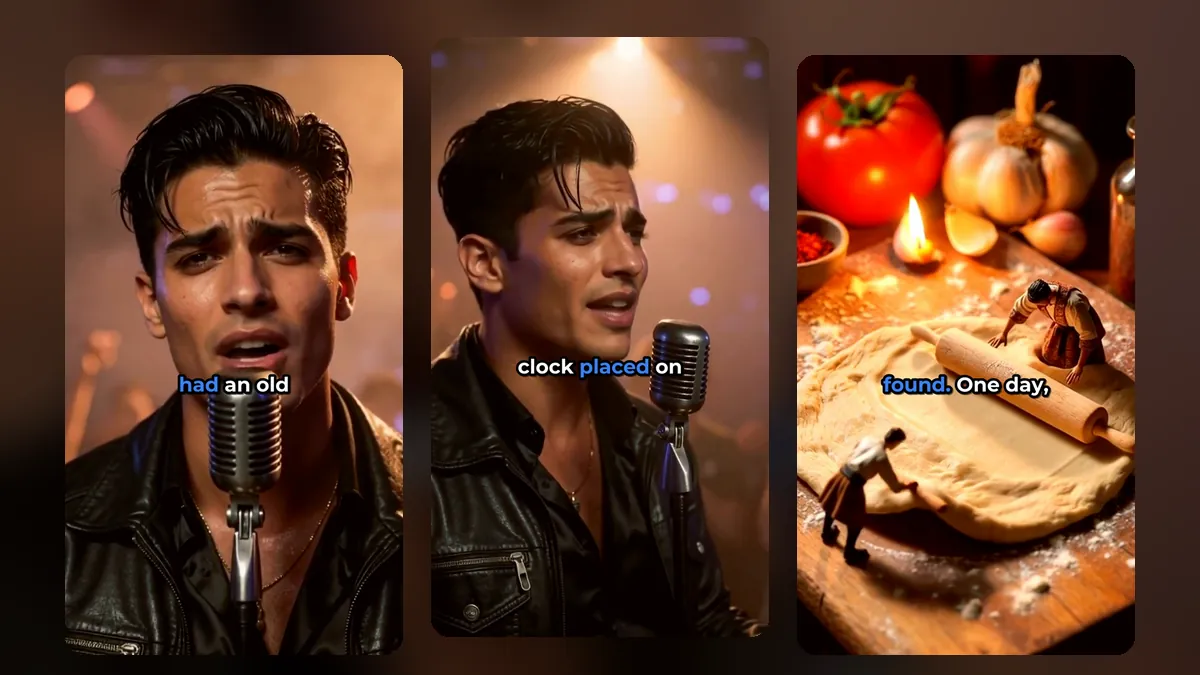
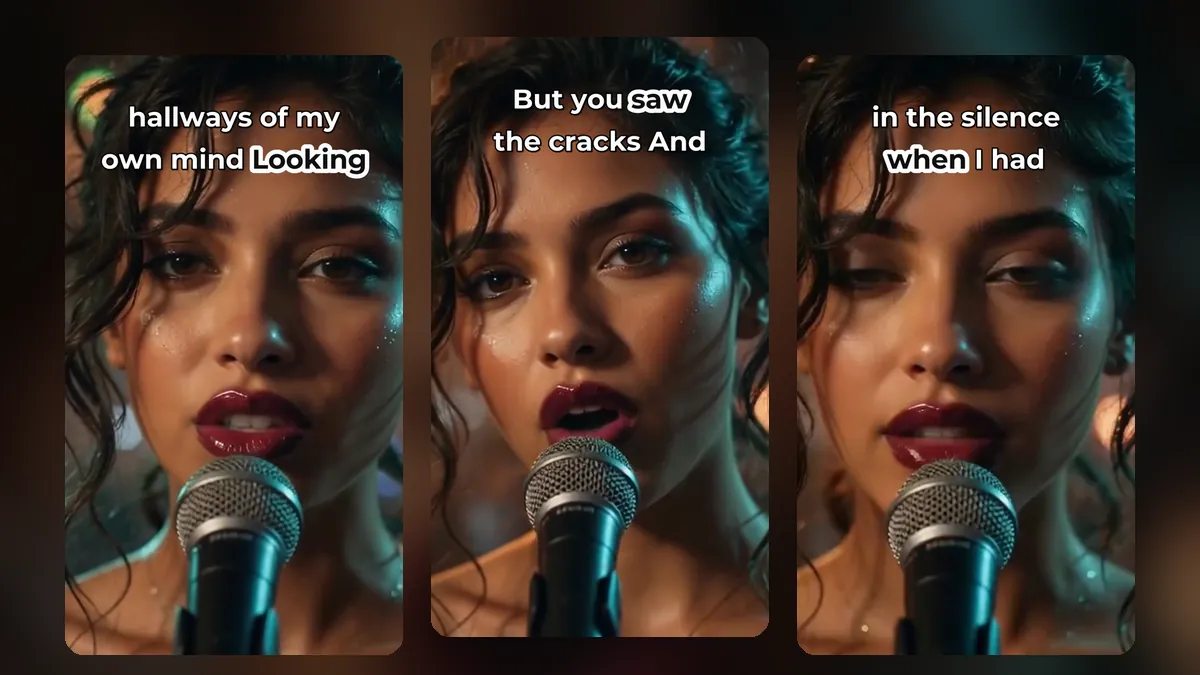
A clip from a music video made with MusicClip.ai. Press play to hear it.
How to find the right length for a clip
- Find the payoff. What is the line, answer or moment the clip exists for?
- Cut the setup to the minimum. Start as close to the payoff as you can while it still makes sense.
- End right after the payoff. Do not wait for the next topic to begin.
- Watch it as a stranger. Would you understand it without the rest of the video?
In VideoShort, suggested clips already start and end on whole sentences. You can then pull the yellow edges of the clip on the timeline to shorten or extend it, split one clip into two, or set "Start here" and "End here" at the red play line. Manual clips can be anywhere from 3 seconds to 3 minutes.
Different content, different lengths
- Podcasts and interviews usually need 30–60 seconds for context. See how to turn a podcast into short clips.
- Lessons and tutorials do well at 30–75 seconds with one clear step each.
- Music works best at 15–30 seconds: the hook, the chorus, the drop. Our post on turning a music video into shorts covers this.
- Comedy and reactions are often under 20 seconds.
Does the same clip work on all three platforms?
Usually yes. A vertical clip under one minute with captions can go to all three. Small changes help: a different first caption line, different hashtags, a description written for each audience. Post them on different days so you can see which platform likes which clip, and keep track in a posting schedule.
The first two seconds matter more than the length
A perfect length cannot save a slow opening. Start on a spoken word, a movement or a strong image. Avoid starting on silence, a greeting, or "so, um". If a clip has a slow start, move its start forward a second or two.
For musicians: the right length for a music video
A full music video and a short are different formats. For the full-length video, MusicClip has a guide on how long a music video should be. For shorts, use the strongest 15–30 seconds of that video.
Frequently asked questions
Is a longer short better for the algorithm?
Not by itself. A longer clip only helps if people keep watching. Watch time and rewatches matter more than length.
Should every clip be under 60 seconds?
It is a safe default for most content, and it fits every platform. Go longer only when the story needs it.
Can I make the same clip shorter later?
Yes. Open the short in the editor, trim it, and render it again.
Make clips at the length your idea needs
Sign up for VideoShort, upload a long video and trim each clip to the length that tells it best.