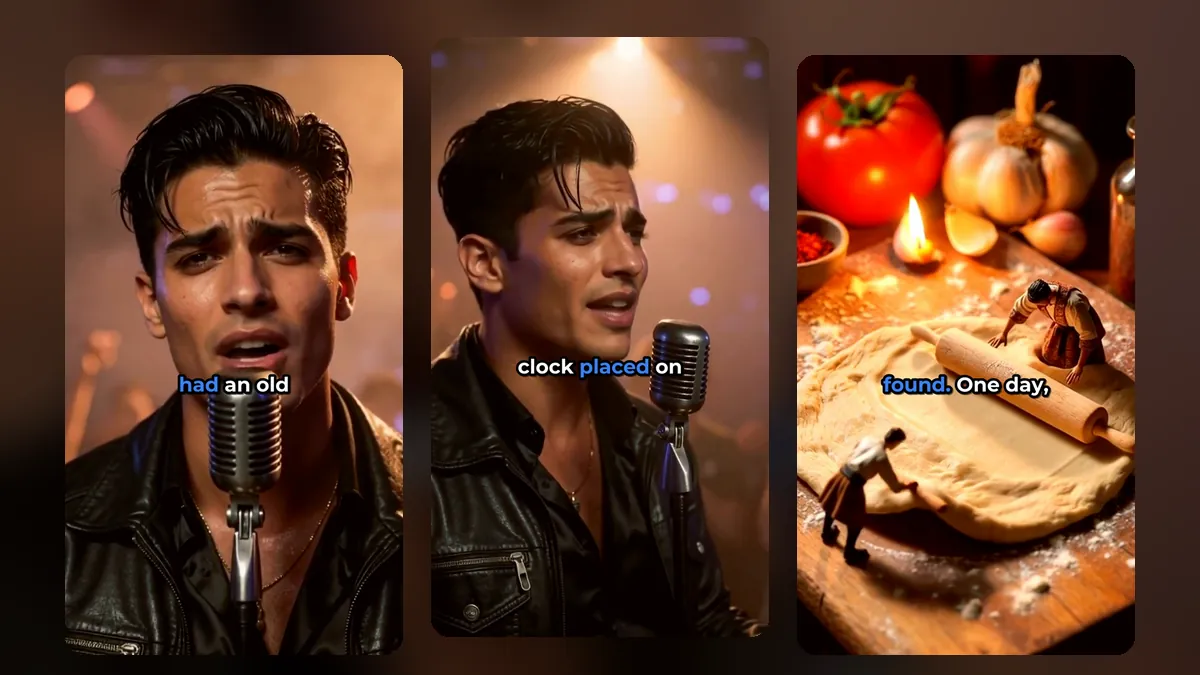
Your shorts can be watched anywhere in the world, but most viewers stop when they cannot read the captions. Translating them is one of the cheapest ways to reach a bigger audience with clips you have already made. Here is how to translate video captions for shorts and do it well.
When translating captions is worth it
Translation helps most when:
- Your analytics show viewers from countries that speak another language.
- Your content is visual and easy to follow (cooking, fitness, crafts, tech demos).
- Your topic is global (music, sports, gaming, travel).
It helps less for jokes based on wordplay, or topics that only matter in one country.
Which languages to start with
Start with the largest groups in your own analytics. If you have no data yet, widely spoken languages on short-form platforms are a sensible start. VideoShort.ai can translate captions into:
- Spanish
- German
- French
- Portuguese
- Italian
- Russian
We only offer languages where the results were good enough in our own tests; others were left out on purpose.
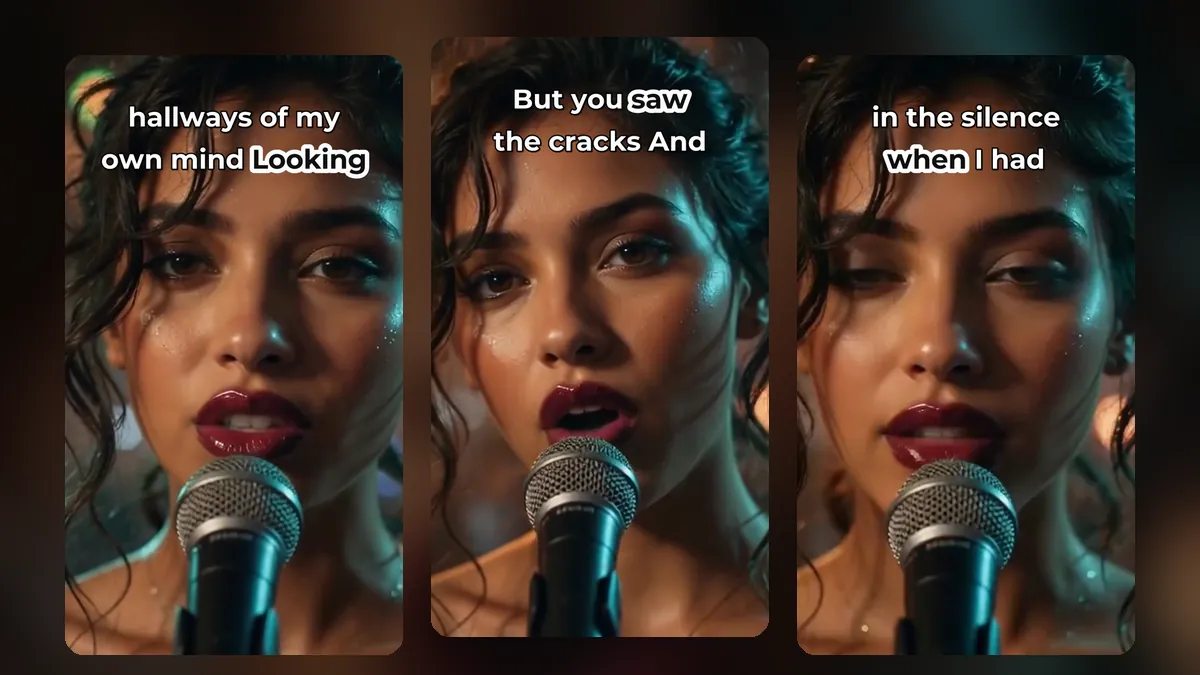
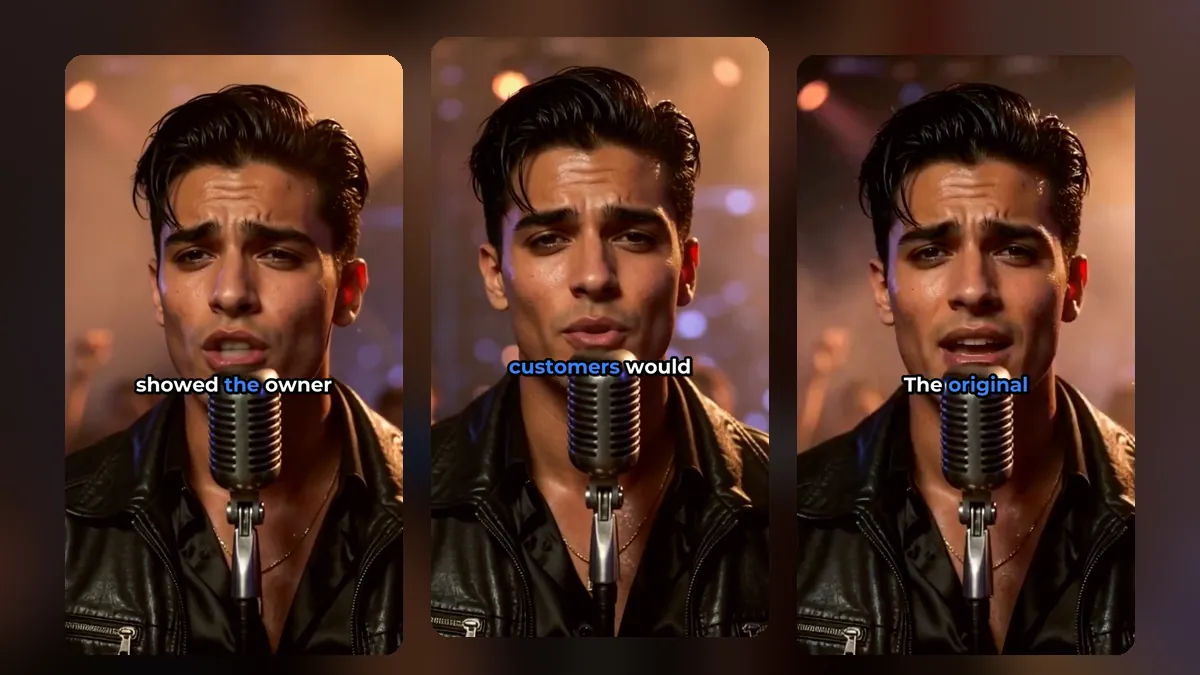
A clip from a music video made with MusicClip.ai. Press play to hear it.
How caption translation works in VideoShort
- Your speech is transcribed in its original language, with a timestamp for every word.
- You choose a caption language. A sample line shows how it will read before you commit.
- The translated captions keep the timing of the original speech, in the style, font and colours you chose.
Always check translated captions
Machine translation is fast, not perfect. Before posting:
- Ask a speaker of that language to watch one or two clips if you can.
- Watch for names and brands that should not be translated.
- Keep lines short: translated text is often longer than the original. A slightly smaller caption size helps.
Our guide to caption styles for shorts explains how to keep longer lines readable.
One clip, several posts?
You can post the same clip with different caption languages on different accounts, or test a translated version on your main account and see how it does. Plan these posts in your calendar like any other short; see our shorts posting schedule.
Translate the description too
Captions are only part of it. Write the title or description in the same language as the captions, and use hashtags people in that language actually search for.
Subtitle files for other uses
If you need the captions outside the video, download them as an SRT file. SRT files work with YouTube's subtitle upload and most video players.
Music and lyrics
Song lyrics are much harder to translate well than speech, because rhythm and rhyme matter. For music, many artists keep the original lyrics on screen and translate only the description. MusicClip.ai makes lyric videos with the words in sync with your song.
Frequently asked questions
Will the translated captions keep my style?
Yes. The style, font, colours, size and position stay the same.
Can I fix a word in the translation?
Yes. Check the words before you export, the same way you fix original captions.
Can I translate into Turkish or Arabic?
Not at the moment. We removed languages where the translation quality was not good enough.
Reach viewers in more languages
Sign up for VideoShort, make your clips, and try a translated version of your best one.